In today’s fast-paced digital world, staying organized and keeping track of ideas has become more important than ever. Whether you are a student, professional, entrepreneur, or content creator, taking notes efficiently can significantly improve productivity. This is where AI note-taking apps come into play. These advanced tools use artificial intelligence to automatically organize notes, summarize content, and even generate ideas, making note-taking smarter and faster.
What Are AI Note-Taking Apps?
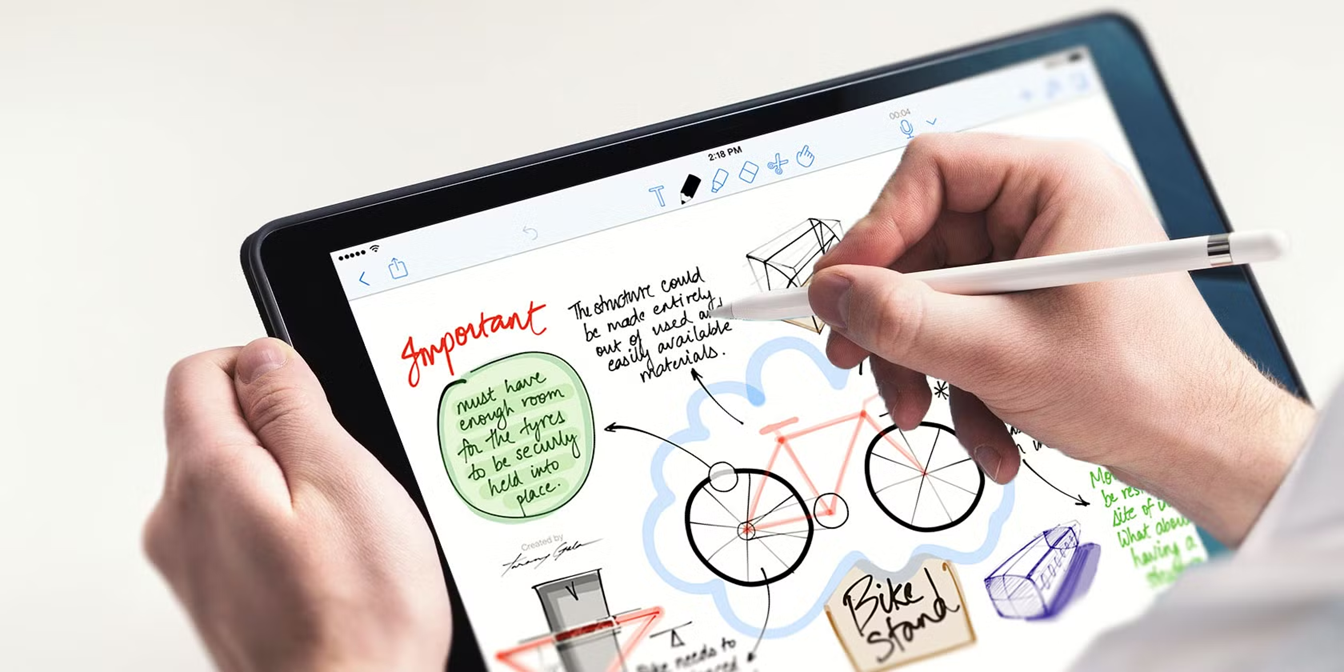
AI note-taking apps are digital tools powered by artificial intelligence that help users capture, organize, and retrieve information more efficiently than traditional note apps. Unlike basic note apps that only store text, AI-powered tools can understand language, analyze content, and automate tasks.
For example, when you record a meeting, an AI note-taking app can automatically transcribe speech into text, highlight key points, create summaries, and organize action items. Some apps even provide suggestions or reminders based on your notes.
These tools are widely used in education, business meetings, online classes, research, and personal planning.
How AI Note-Taking Apps Work
AI note-taking apps rely on several advanced technologies to function effectively. These include:
1. Speech Recognition
Speech recognition technology converts spoken words into written text. This feature is especially useful during meetings, lectures, or interviews where typing notes manually can be difficult.
2. Natural Language Processing (NLP)
Natural Language Processing helps the app understand human language. It allows AI to analyze notes, identify key ideas, and create summaries.
3. Machine Learning
Machine learning enables the app to learn from user behavior. Over time, the app becomes better at predicting what information is important and organizing notes accordingly.
4. Cloud Integration
Most AI note-taking apps store notes in the cloud, allowing users to access them from multiple devices such as smartphones, tablets, and computers.
Key Features of AI Note-Taking Apps
Modern AI note-taking apps include powerful features that make them much more useful than traditional note apps.
Automatic Transcription
One of the most popular features is converting speech into text in real time. This is helpful during lectures, webinars, and meetings.
Smart Summaries
AI can generate short summaries of long notes, helping users quickly understand the main ideas without reading everything.
Keyword and Topic Detection
Some apps automatically detect important keywords and organize notes based on topics.
Task and Reminder Creation
AI can identify action items from notes and create reminders automatically.
Search and Retrieval
Advanced search tools allow users to find specific notes quickly, even if they contain large amounts of data.
Integration With Other Tools
Many AI note-taking apps integrate with email, calendars, and collaboration tools, making workflow smoother.
Benefits of Using AI Note-Taking Apps
AI note-taking apps offer several advantages that improve productivity and organization.
Saves Time
AI automates repetitive tasks such as formatting notes, summarizing information, and organizing content. This allows users to focus on important work.
Improves Accuracy
Manual note-taking often leads to missing details. AI transcription ensures that every word is recorded accurately.
Enhances Productivity
With features like reminders and task tracking, users can manage their time more effectively.
Supports Collaboration
Many AI note apps allow teams to share notes and collaborate in real time, improving communication and teamwork.
Boosts Learning Efficiency
Students can review summarized notes and recorded lectures, making studying easier and more effective.
Popular AI Note-Taking Apps
Several AI note-taking apps have gained popularity due to their powerful features and ease of use.
Notion AI
Notion AI combines note-taking, project management, and AI writing tools. It can generate summaries, brainstorm ideas, and organize notes into structured formats.
Microsoft OneNote With AI Integration
Microsoft OneNote integrates with AI tools to enhance note organization and search functionality. It is widely used in educational and professional settings.
Evernote
Evernote offers AI-powered search and content suggestions. It allows users to store notes, images, and documents in one place.
Otter.ai
Otter.ai is known for its excellent speech-to-text transcription features. It is widely used for recording meetings and lectures.
Google Keep With AI Features
Google Keep provides simple note-taking with smart reminders and integration with other Google services.
Each of these apps offers unique features, and the best choice depends on individual needs.
AI Note-Taking Apps for Different Users
AI note-taking apps can benefit various types of users.
Students
Students use AI note-taking apps to record lectures, summarize textbooks, and organize study materials. This helps them revise faster and prepare for exams more efficiently.
Professionals
Business professionals use AI tools to record meetings, track tasks, and manage projects. This improves workflow and reduces manual effort.
Content Creators
Writers, bloggers, and creators use AI note apps to capture ideas, create outlines, and generate content drafts.
Researchers
Researchers rely on AI tools to organize large amounts of data and find relevant information quickly.
Challenges and Limitations
Although AI note-taking apps offer many advantages, they also have some limitations.
Privacy Concerns
Since many apps store data in the cloud, users must ensure that their information is secure and protected.
Accuracy Issues
Speech recognition may struggle with accents, background noise, or unclear speech.
Dependence on Internet
Some AI features require an internet connection, which may limit usability in offline environments.
Subscription Costs
Many advanced AI note-taking apps require paid subscriptions to access premium features.
Tips for Choosing the Right AI Note-Taking App
Selecting the right AI note-taking app depends on personal requirements. Here are some helpful tips:
Identify Your Needs
Consider how you plan to use the app. For example, students may need lecture transcription, while professionals may need meeting summaries.
Check Compatibility
Ensure the app works on your preferred devices, such as Android, iOS, Windows, or Mac.
Evaluate Features
Look for features like transcription, reminders, and collaboration tools that match your needs.
Consider Security
Choose apps that offer strong data protection and encryption.
Try Free Versions
Most apps provide free trials. Testing different options helps you find the best fit.
The Future of AI Note-Taking Apps
AI note-taking technology is rapidly evolving. Future apps are expected to become even more intelligent and user-friendly.
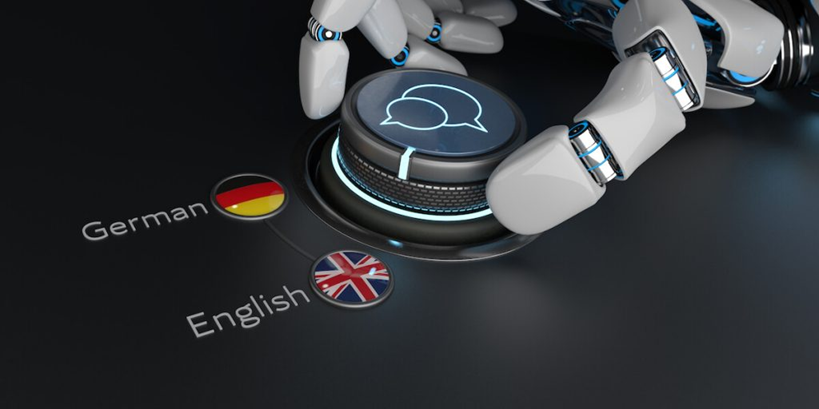
Real-Time Language Translation
Future tools may translate spoken words into multiple languages instantly, making international communication easier.
Advanced Personalization
AI will likely become better at understanding user habits and automatically organizing notes according to preferences.
Voice-Controlled Notes
Voice assistants may allow users to create and manage notes without touching their devices.
Integration With Wearable Devices
AI note-taking apps may integrate with smartwatches and augmented reality devices for hands-free note-taking.
These advancements will make note-taking more efficient and accessible than ever before.
Conclusion
AI note-taking apps are transforming the way people capture and manage information. With features like automatic transcription, smart summaries, and intelligent organization, these tools save time and improve productivity. Whether you are a student attending lectures, a professional managing meetings, or a creator brainstorming ideas, AI note-taking apps can significantly enhance your workflow.
As artificial intelligence continues to advance, these apps will become more powerful, accurate, and personalized. Choosing the right AI note-taking app based on your needs can help you stay organized, focused, and productive in an increasingly digital world.
Amazon Alexa AI Update in the UK: A New Era of Smart Assistants